In this post, I will talk about various options for workflow orchestration, storage and cluster configuration/set up for AWS EMR.
WORKFLOW ORCHESTRATION (Oozie vs AWS Data PipeLine, AWS SQS)
There are two ways to classify workflow orchestration
- Workflow related to pre-defined schedule.
- There are multiple options available depending on the type of Hadoop cluster
- For CDH, vanilla Hadoop or AWS EMR, pre-defined workflow orchestration can be managed by Oozie co-ordinator jobs.
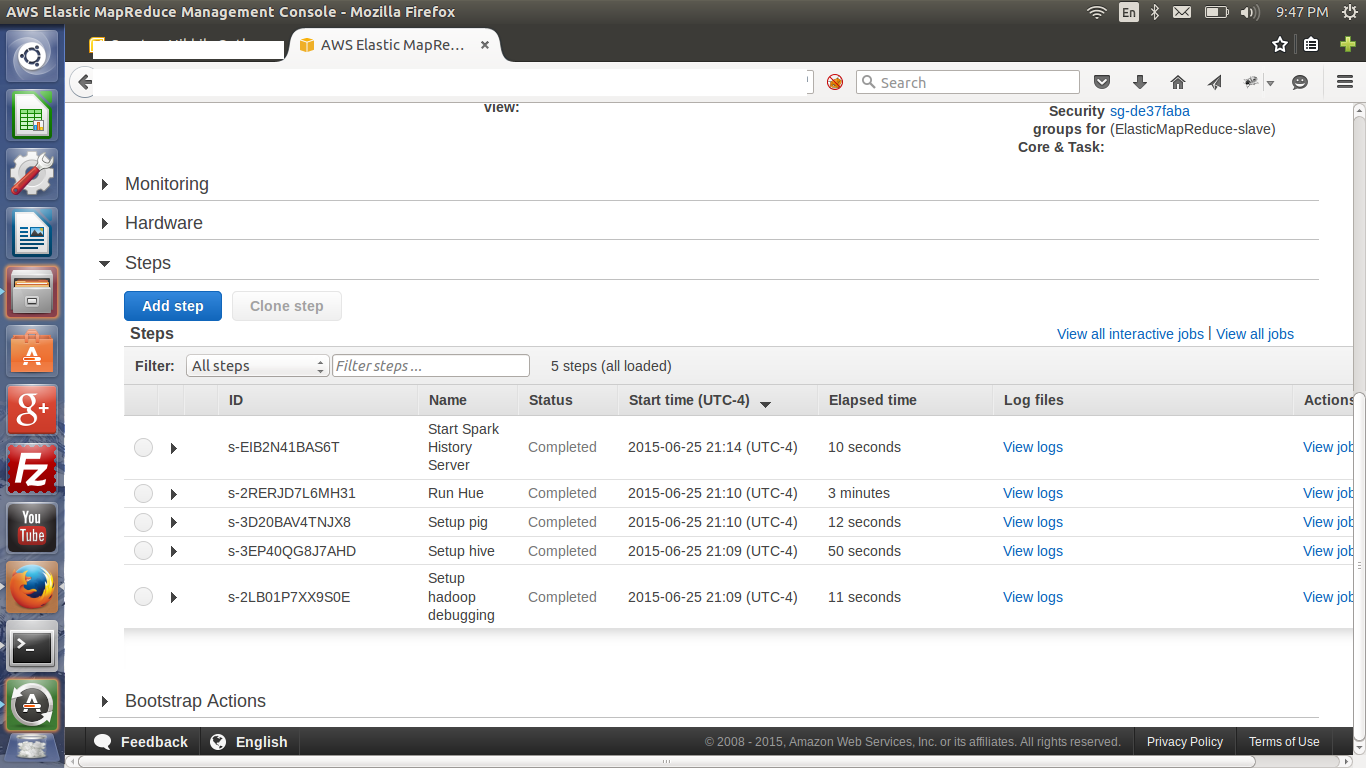
- AWS EMR provides an alternative to manage pre-defined workflow. AWS Data Pipeline may be used in conjunction with AWS Steps. AWS Data Pipeline jobs can be setup to load raw data (from various sources in Enterprise) into S3 on a schedule. A series of AWS Steps can then be defined to manage the orchestration. This works pretty well for pre-defined schedule based workflow, but does not work for real time events.
- There are multiple options available depending on the type of Hadoop cluster
- Workflow in response to real time events.
- There are multiple options available depending on the type of Hadoop cluster
- For CDH, vanilla Hadoop or AWS EMR, real time event based orchestration can be triggered programatically via java code.
- AWS EMR provides an alternative to use Amazon Simple Queue Service(SQS) with worker instances. In such cases, triggering of the event would result in a SQS message being sent, which will cause associated worker instance to perform specific operations (based on pre-defined logic supplied to worker).
- There are multiple options available depending on the type of Hadoop cluster
I believe that using Oozie framework is a better option as compared to using Amazon SQS. By using AWS SQS, a tight coupling with Amazon’s suite of products is created. For instance, if I move to another cloud vendor, I will have to rewrite parts of my solution or use a different set of libraries.
STORAGE (S3 vs HDFS)
One of the decisions while setting up EMR cluster is to determine where to store data – S3 or HDFS. S3 provides better scalability, persistence and reliability as compared to HDFS / With HDFS, if the namenode goes down, all data will be rendered useless. When comparing IOPS, HDFS provides a much better performance as compared to S3.
Although one can use S3 bucket(s) as input for MR job(s), data from S3 must be copied to HDFS before it can be used by the MR job. To copy data from S3 to HDFS, Amazon uses a modified version of distcp utility behind the scenes. This can result in performance issues when moving large data sets since data needs to be moved twice – from Original Source of Data to S3 followed by move to HDFS. Another issue with using S3 is that data buckets must be between 1GB and 2GB in size for optimal performance.
In my opinion, decision regarding storing data either on S3 or HDFS must be based on the specific use case being addressed.
 Big Data Blog